Edit media directly
Make fast cuts, then copy and paste clips without breaking your flow. Axion turns playback into an editable workspace.
Play anything. Cut, copy and paste media. Export video or audio in multiple formats. Capture feeds. Record your microphone. And now Axion sports a visualiser — see your music play visually. Serious media tools, still effortless.
For ARM Macs · Requires macOS 14 Sonoma or later · Tested on macOS 27.
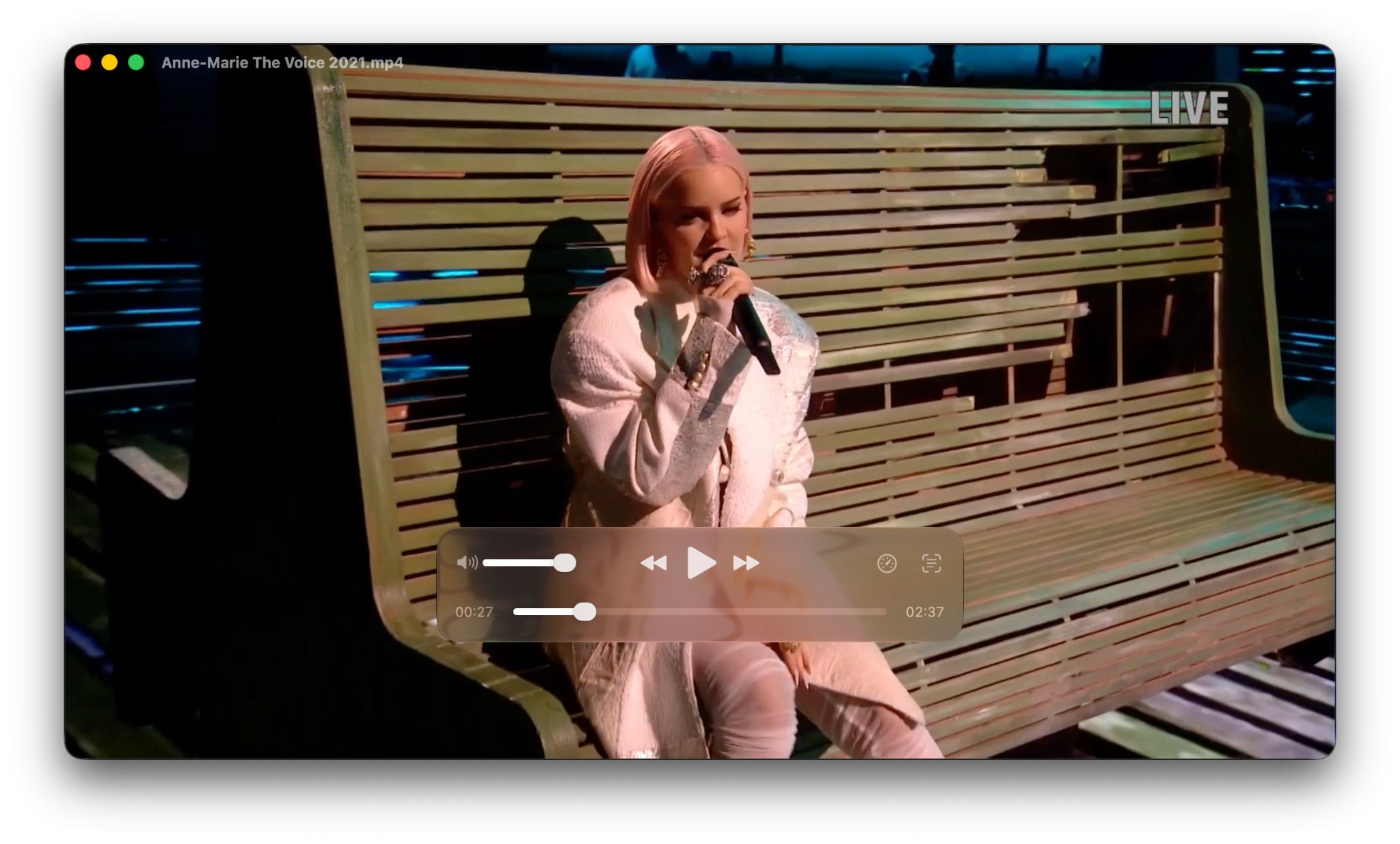
One player. Serious tools.
Make fast cuts, then copy and paste clips without breaking your flow. Axion turns playback into an editable workspace.
Move between multiple video and audio file types, or export media feeds for the next step in your workflow.
Capture microphone input straight inside Axion — ideal for voiceovers, notes, scratch tracks and quick audio recordings.
Built for ARM Macs, with native macOS design, familiar windowing and a focused interface that keep Axion fast to learn — even as your workflow gets more capable.
 Axion 1.5ARM Mac · macOS 14+ · Tested on 27
New in Axion 1.5
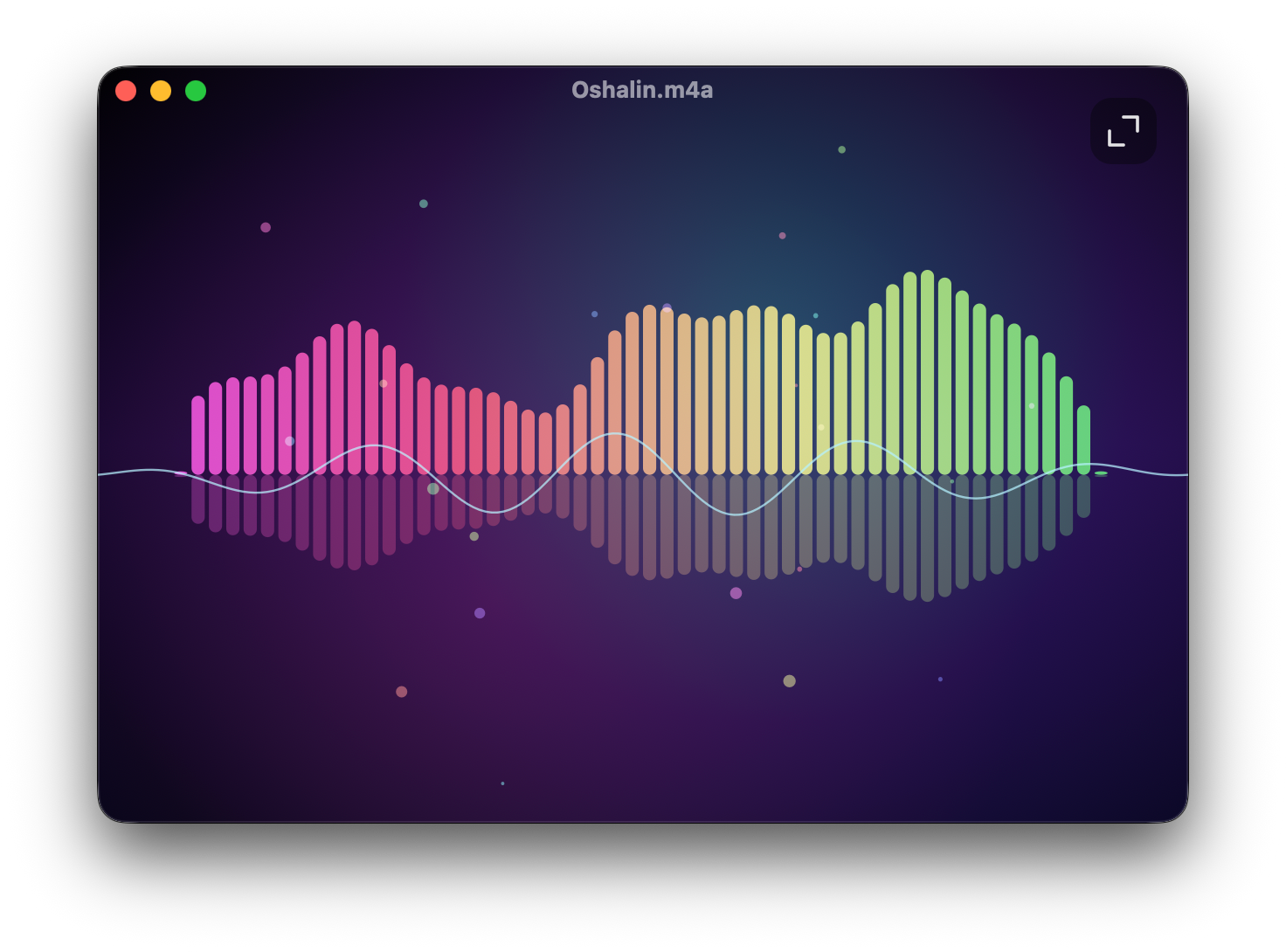
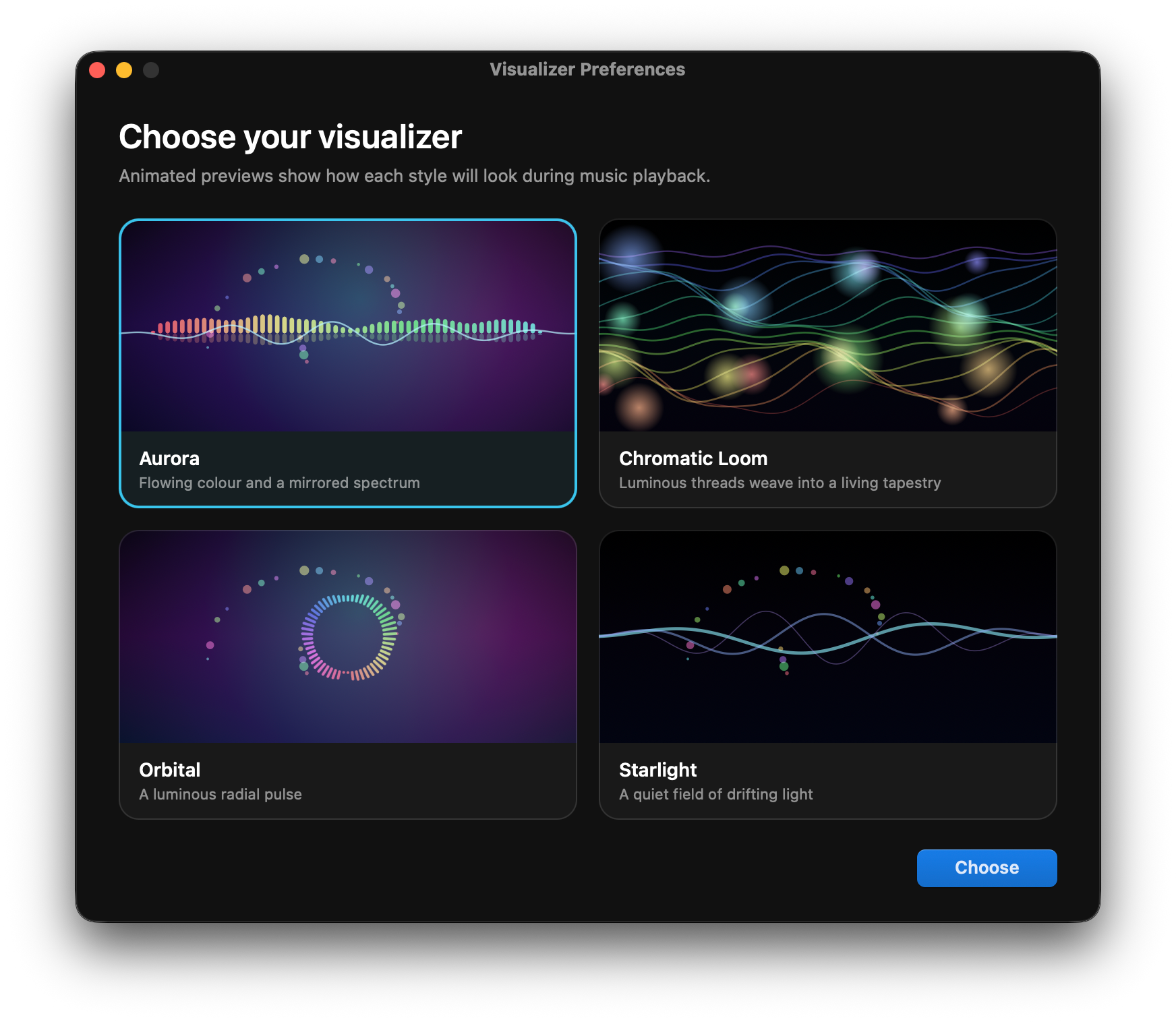
Axion now sports a visualiser. Choose a look that fits the track, then let your music move across the screen in real time — from flowing mirrored spectra to luminous threads, radial pulses and drifting light.
Camera capture
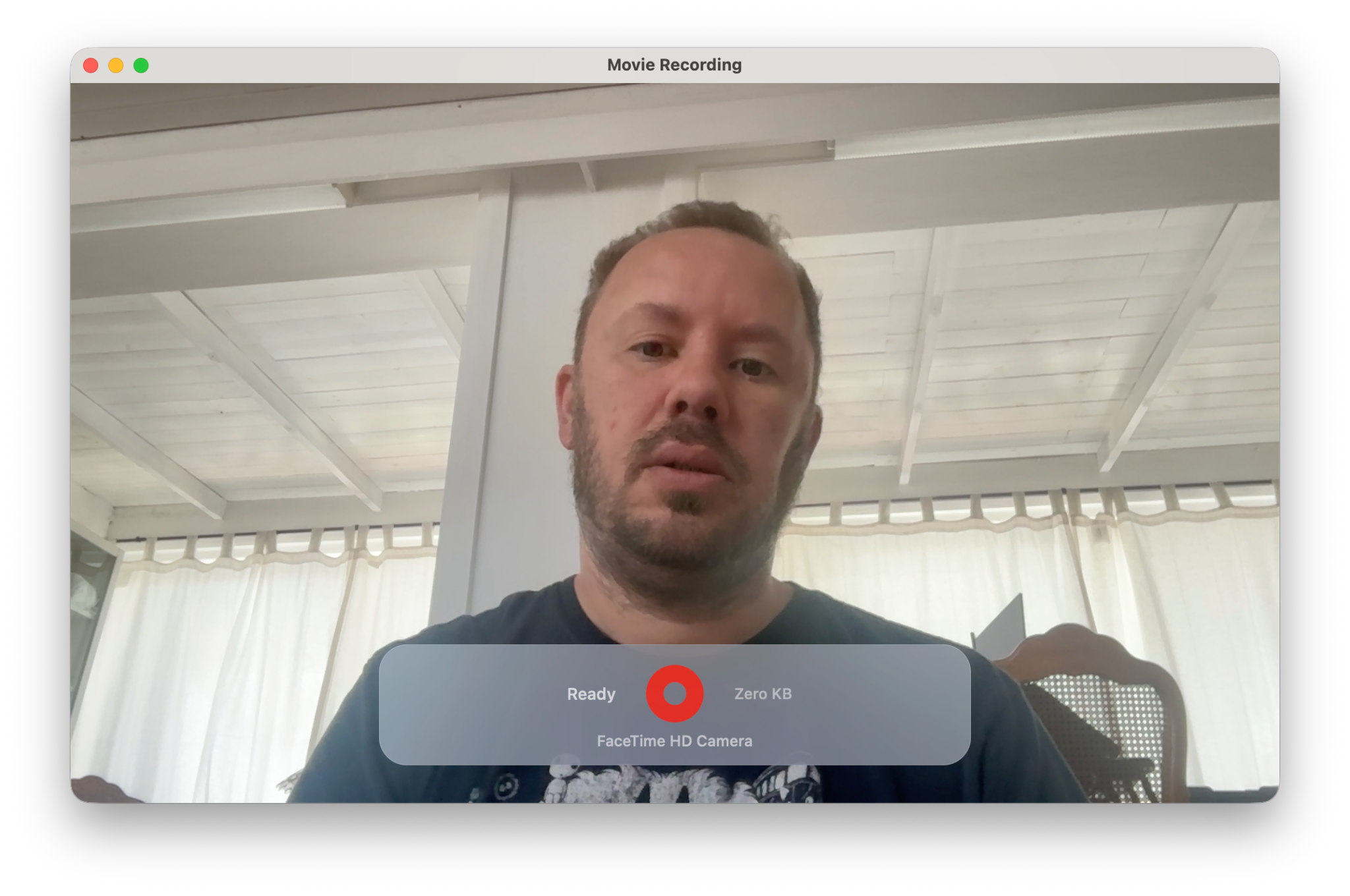
Use your Mac’s built-in webcam directly in Axion. Capture a photograph of your face in an instant, or record video footage without needing a separate camera app.
Use your built-in cameraAxion works with the webcam already in your Mac.
Choose photo or videoGrab a still image or start a video recording.
Keep it in your media workflowCapture footage without leaving Axion.
Start in seconds
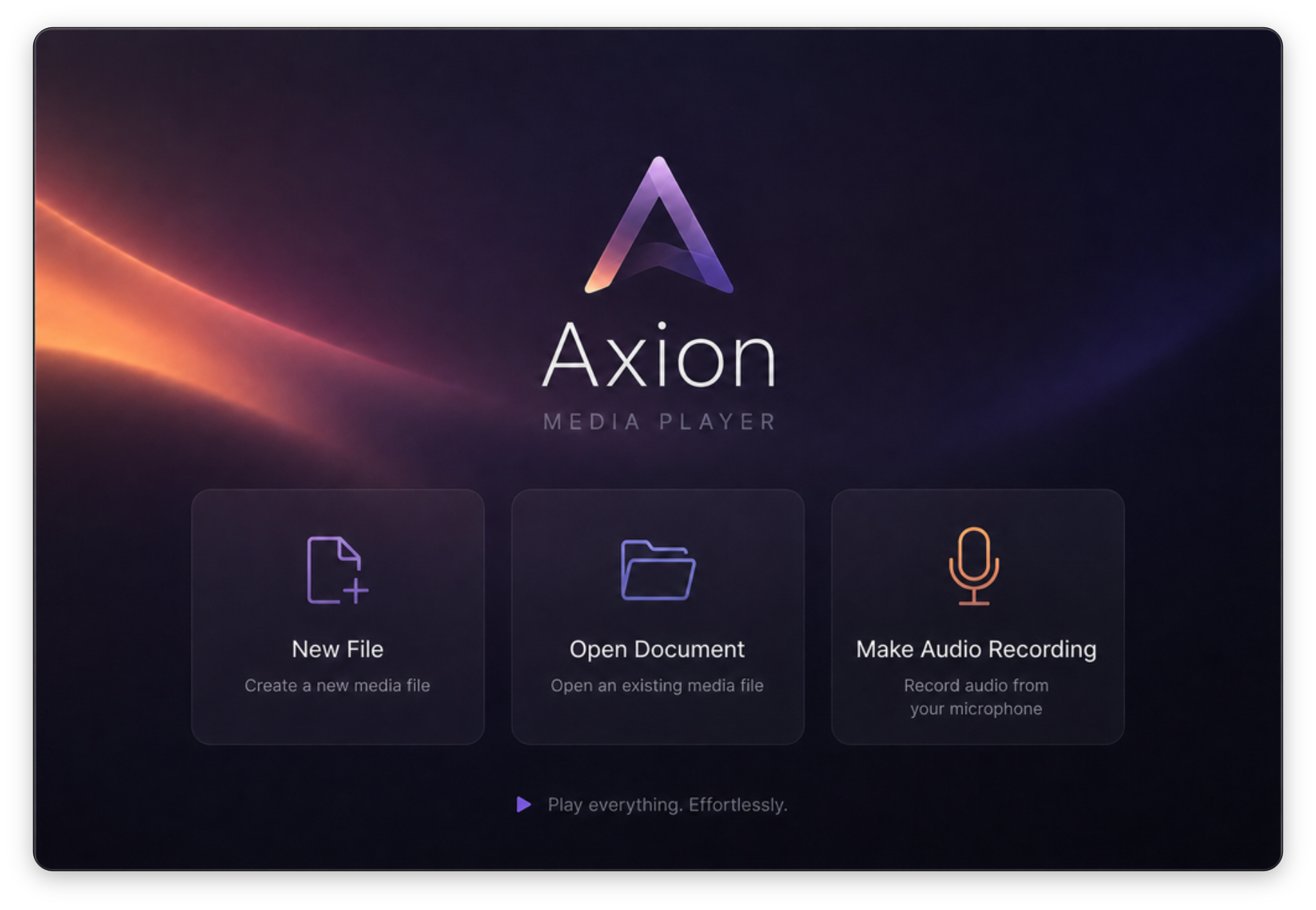
Create a new media file, open an existing one, or make an audio recording straight from the welcome screen. Axion keeps the first step simple — then gives you room to go further.
Open or createStart a new file or open existing media.
Work with itPlay, cut, copy, paste, visualise and record.
Send it anywhereExport video, audio or feeds.
“A media player when you want one.
A media workstation when you need one.”
Axion for macOS
Version 1.5 · ARM Macs · macOS 14 Sonoma or later · Tested on macOS 27
Download Axion ↓ © Richard Gilbert 2026